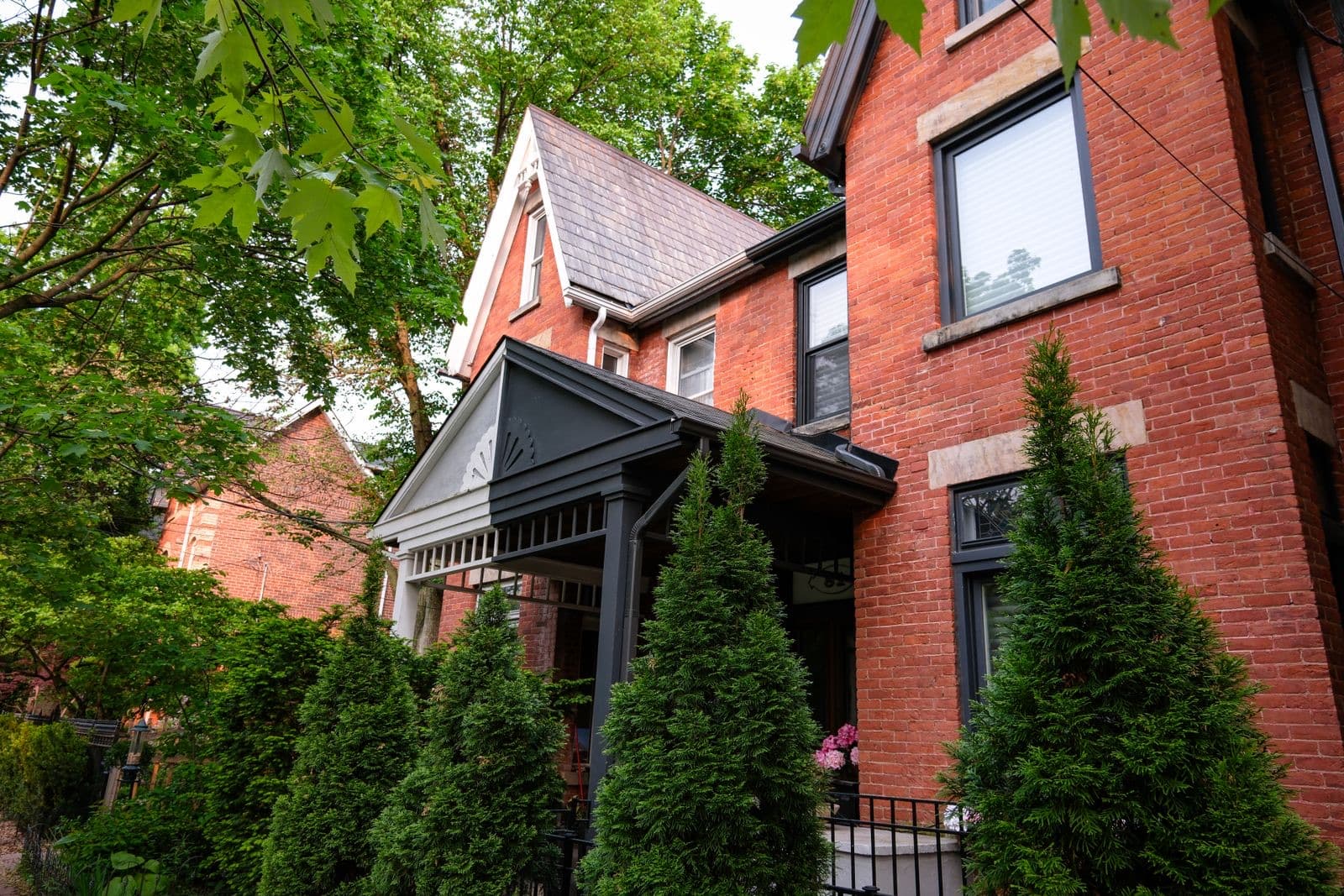
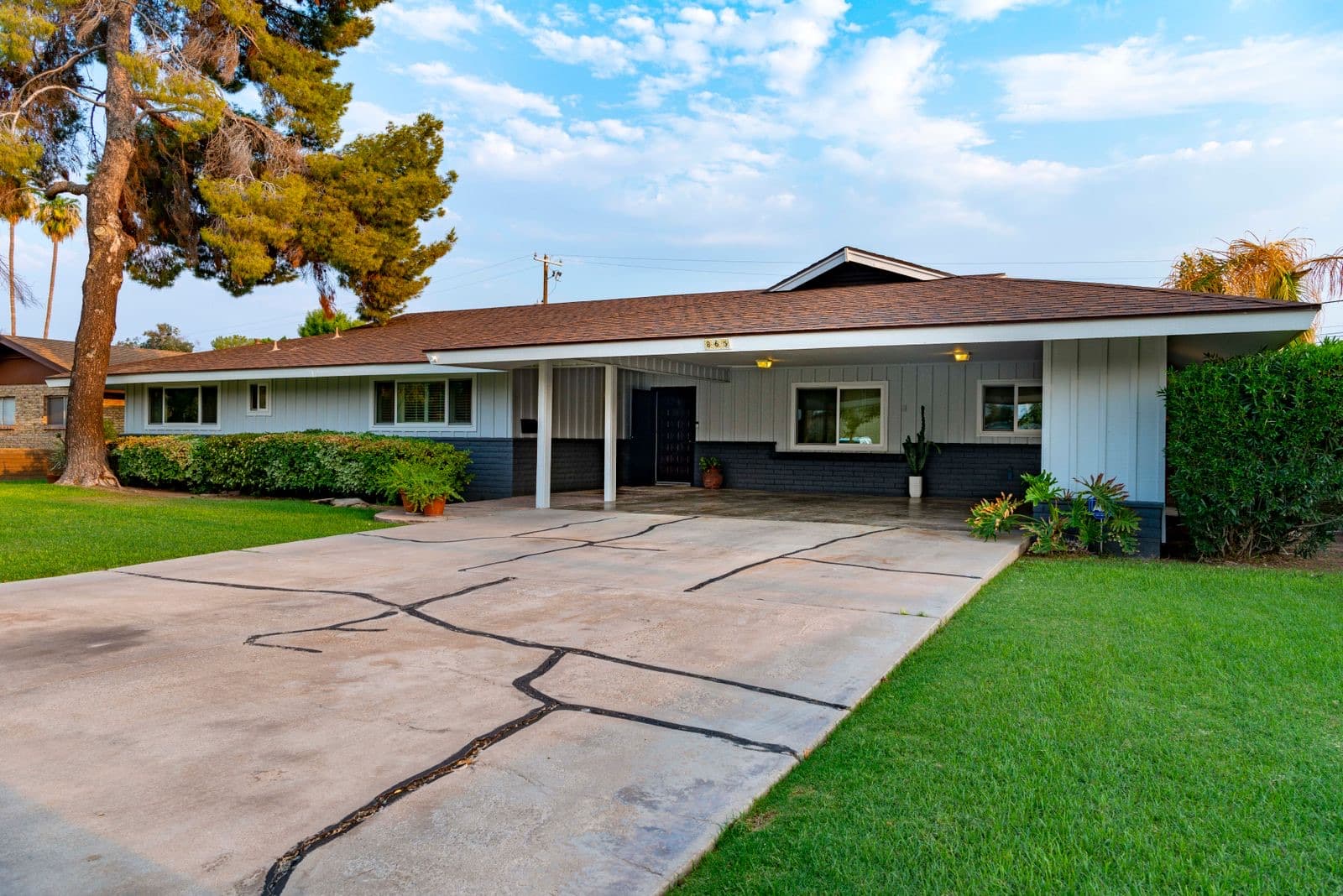
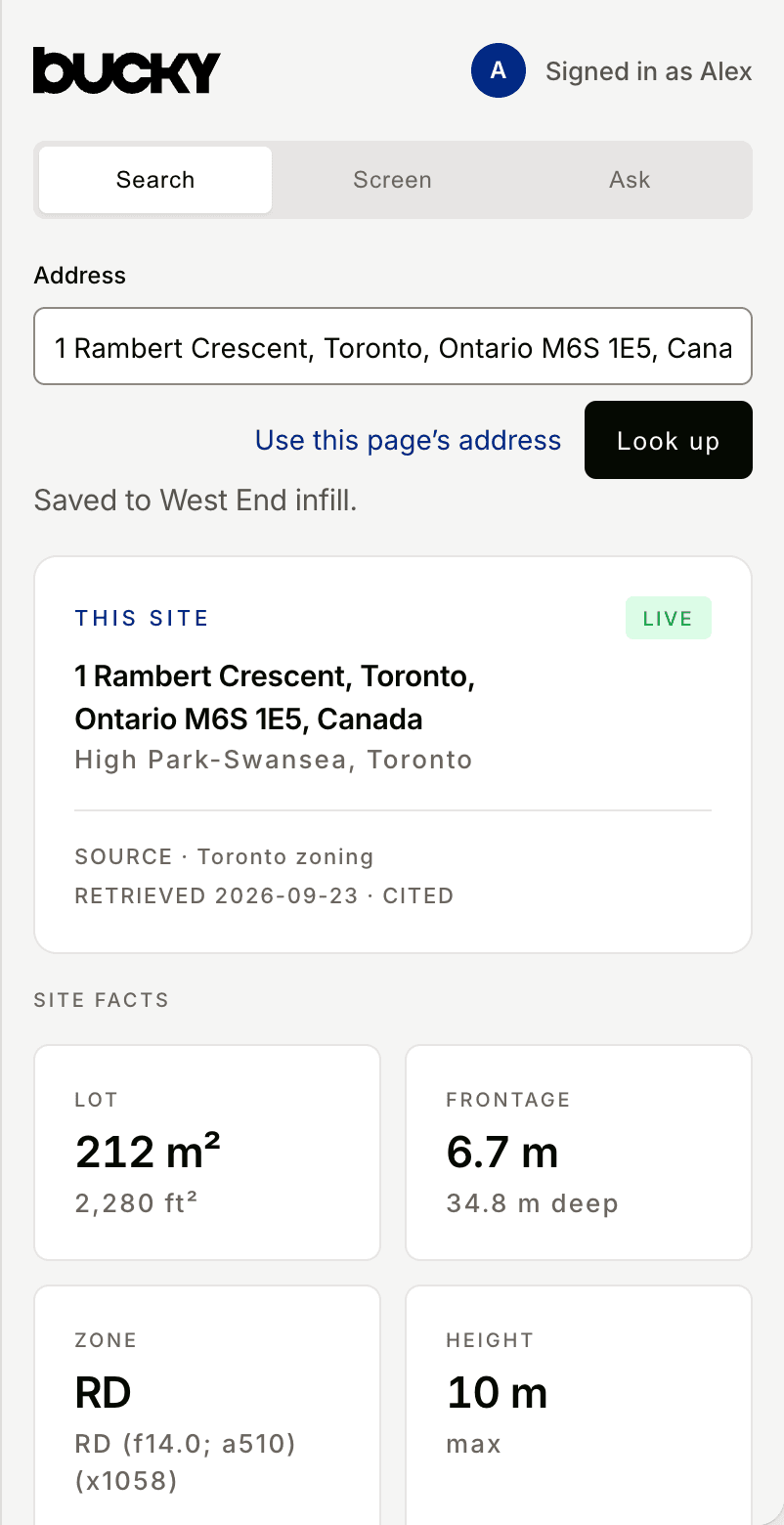
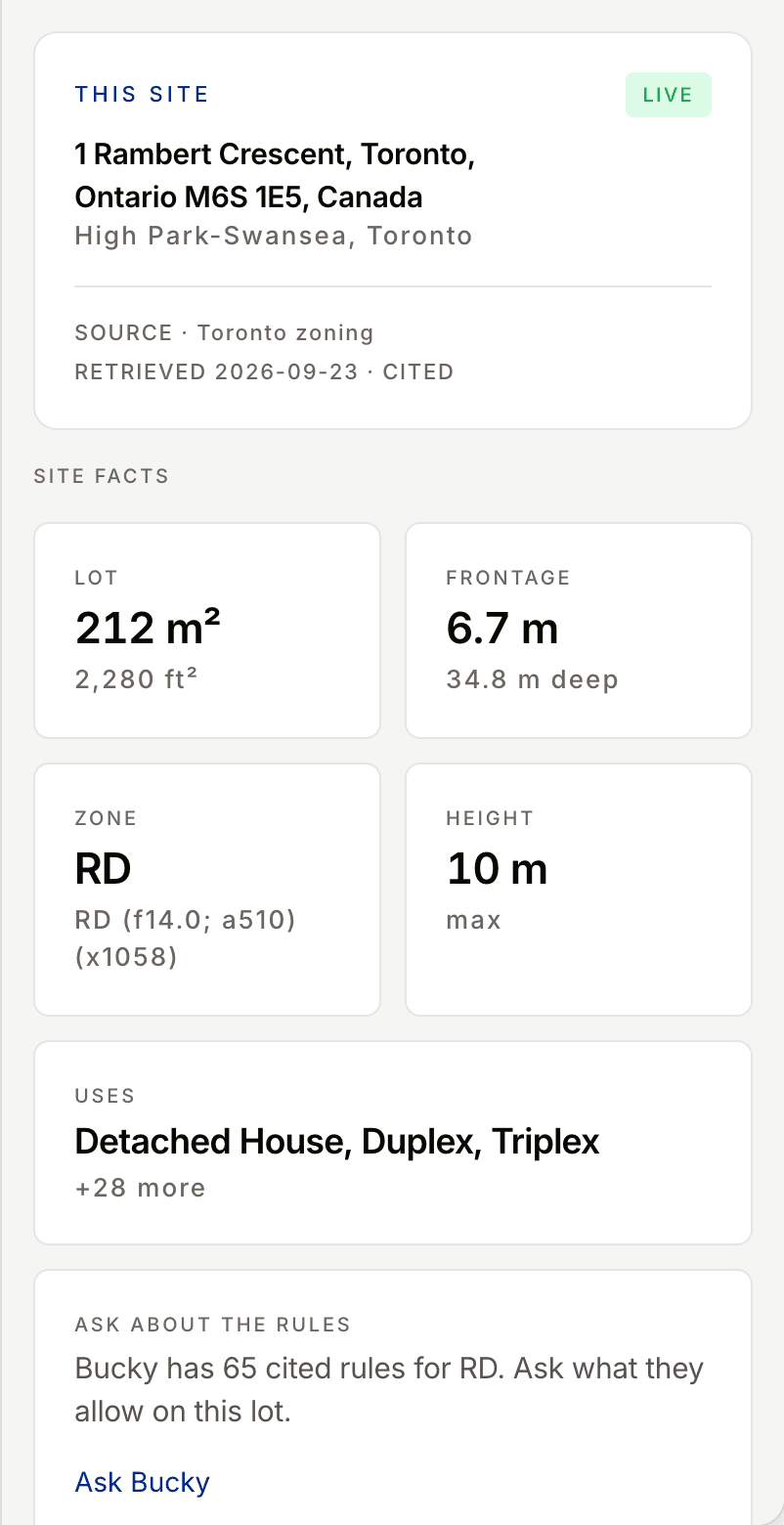
1 Rambert Crescent, Toronto, ON · High Park-Swansea. 1 of 3
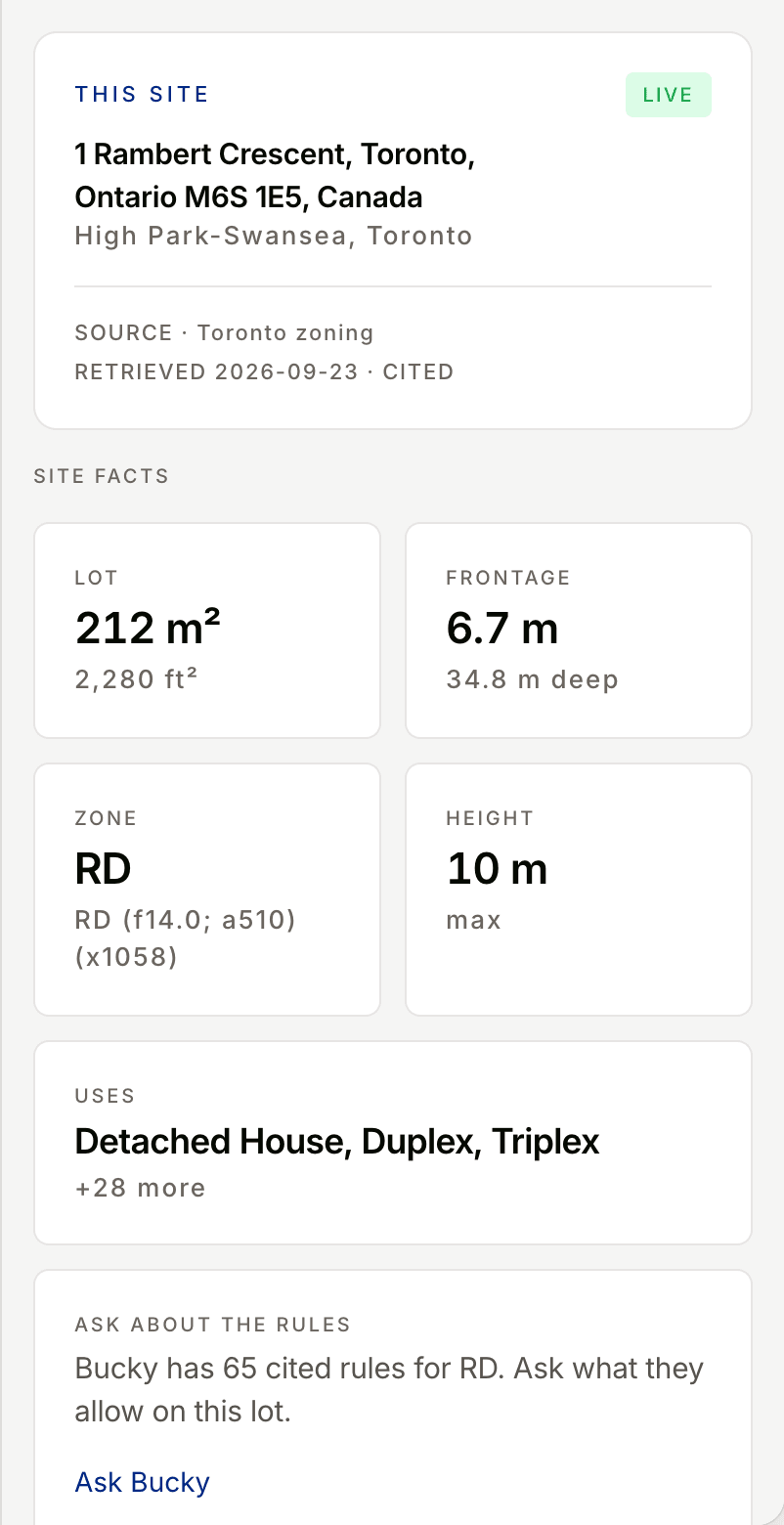
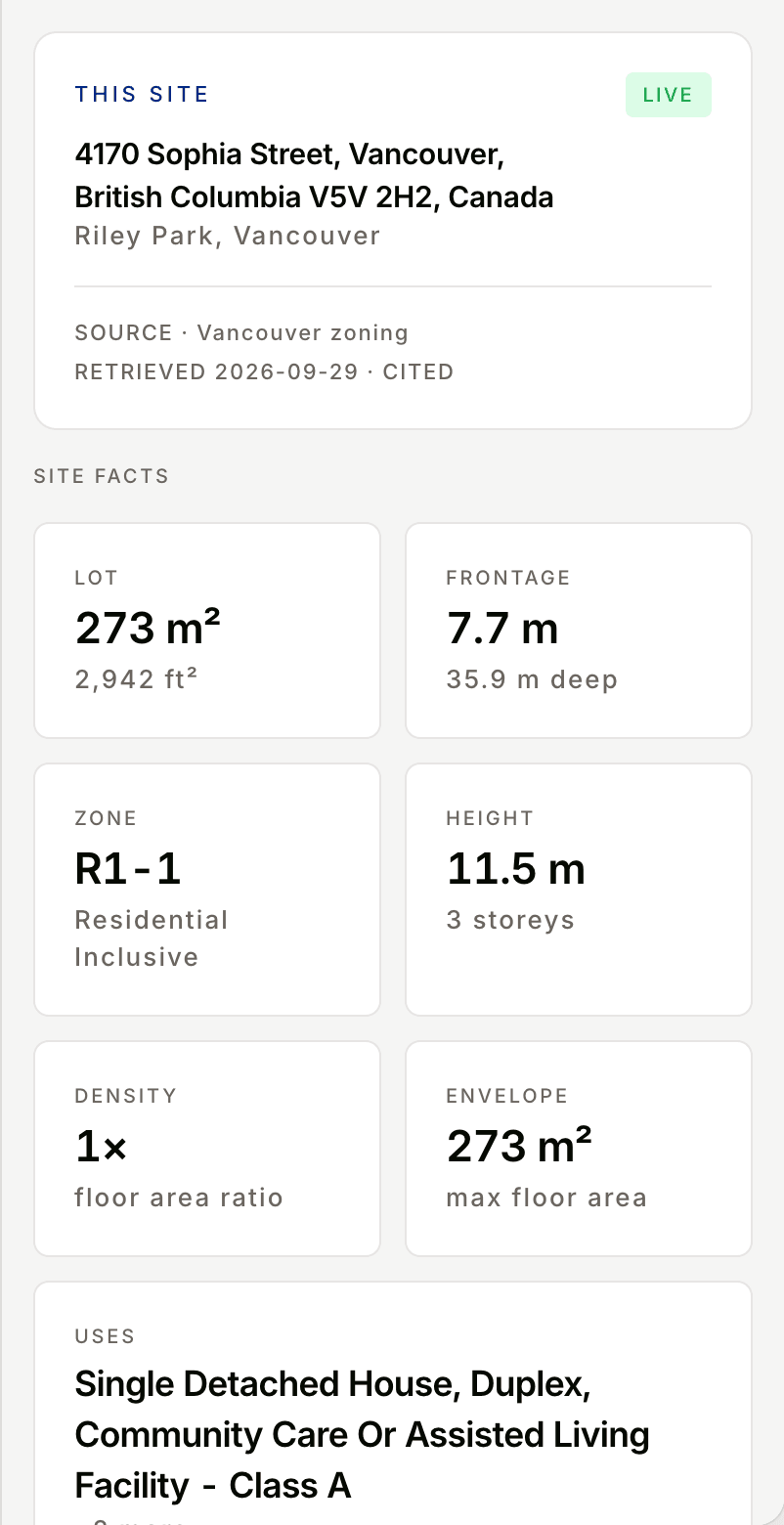
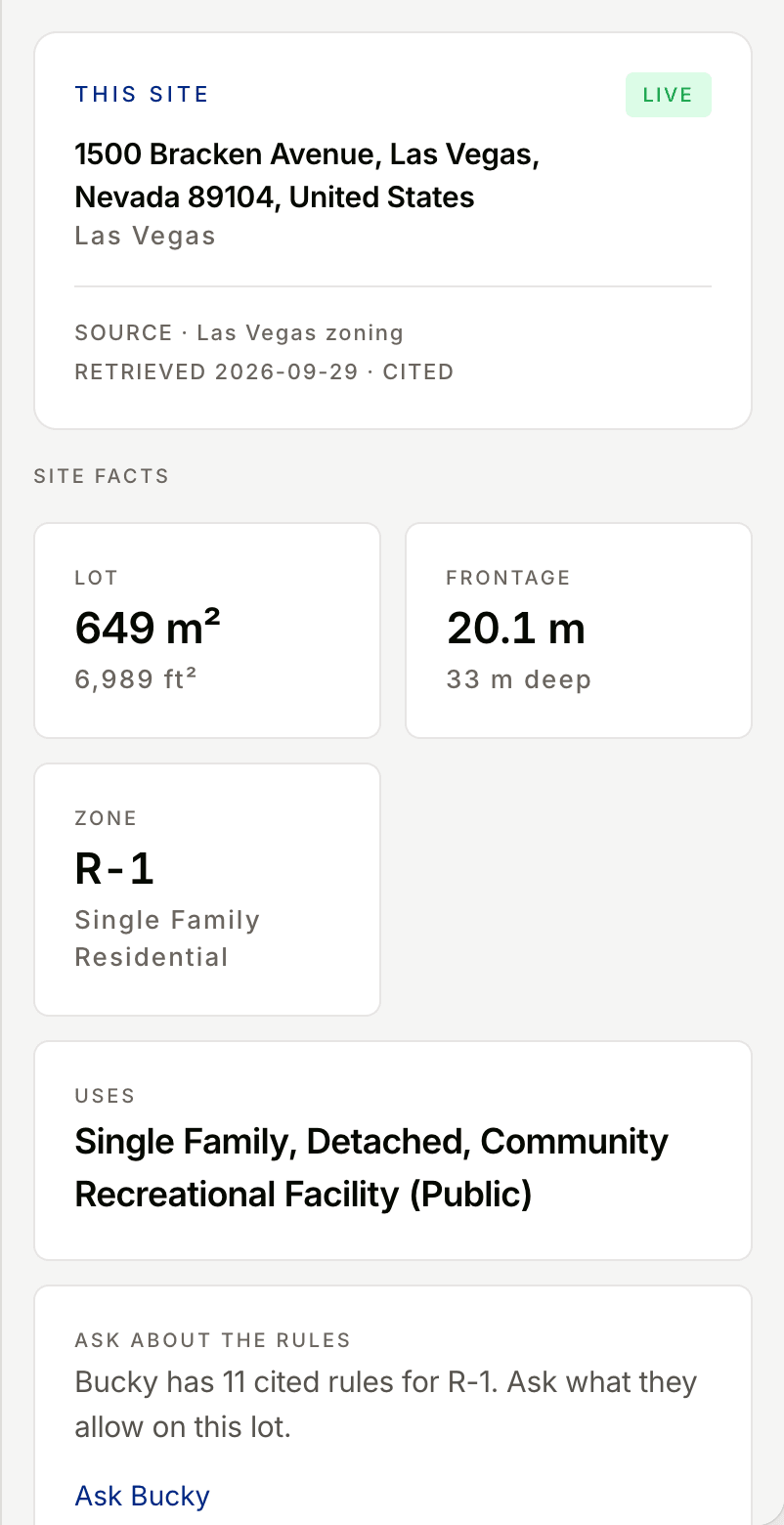
Open Bucky on a listing, or paste any address. Lot, zone, and a sourced buildable envelope sit next to the page. When you want the full picture, open the same site in Bucky.
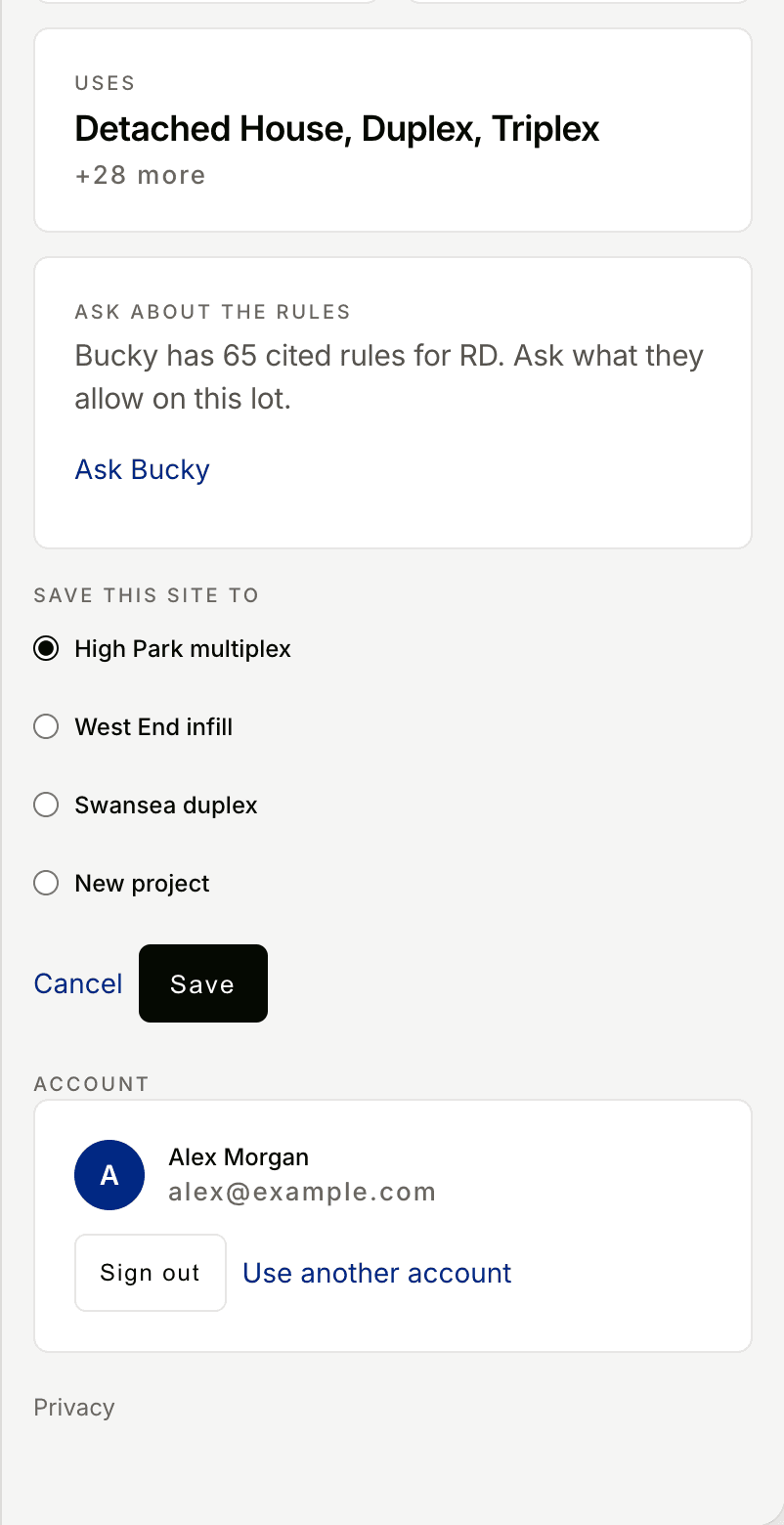
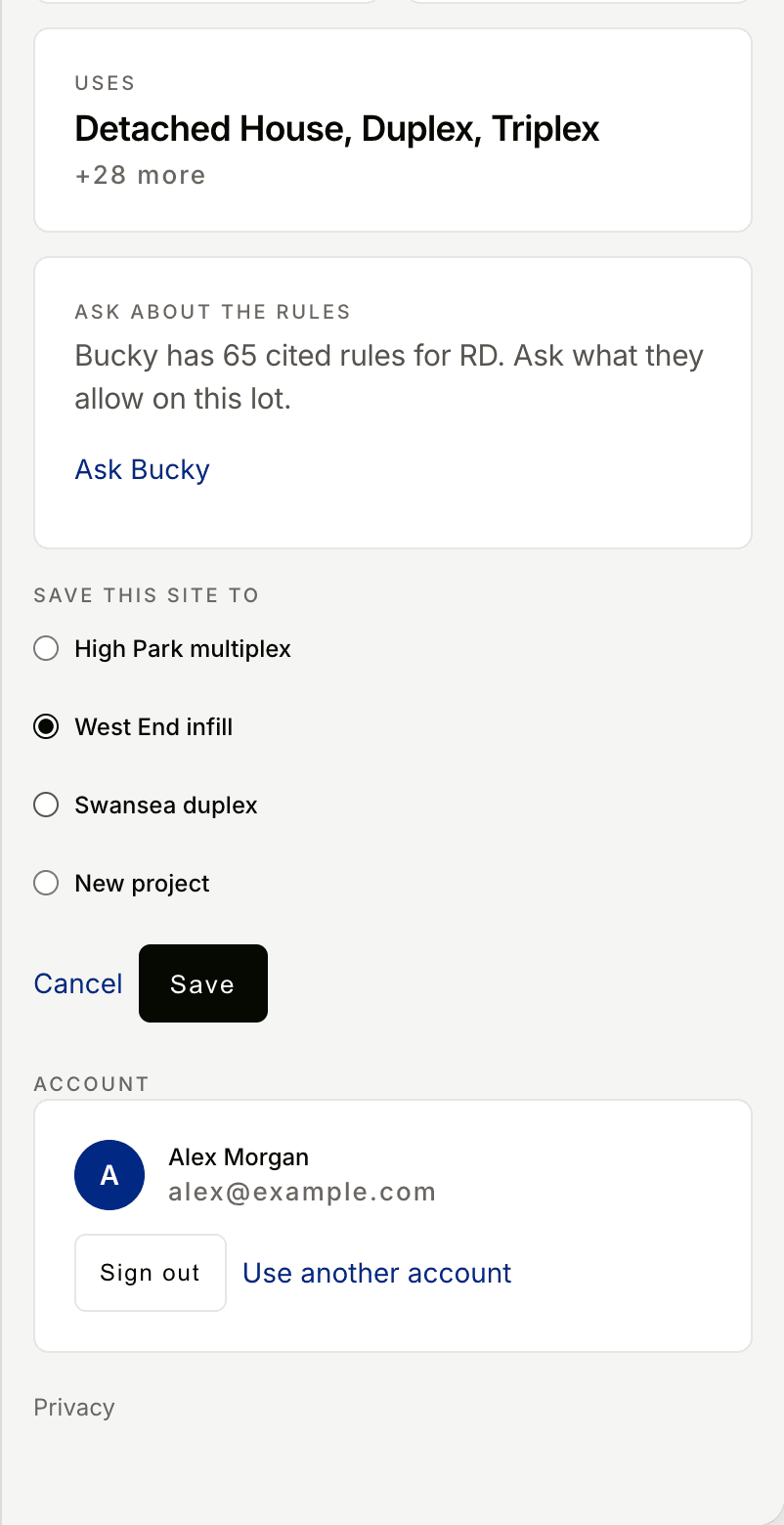
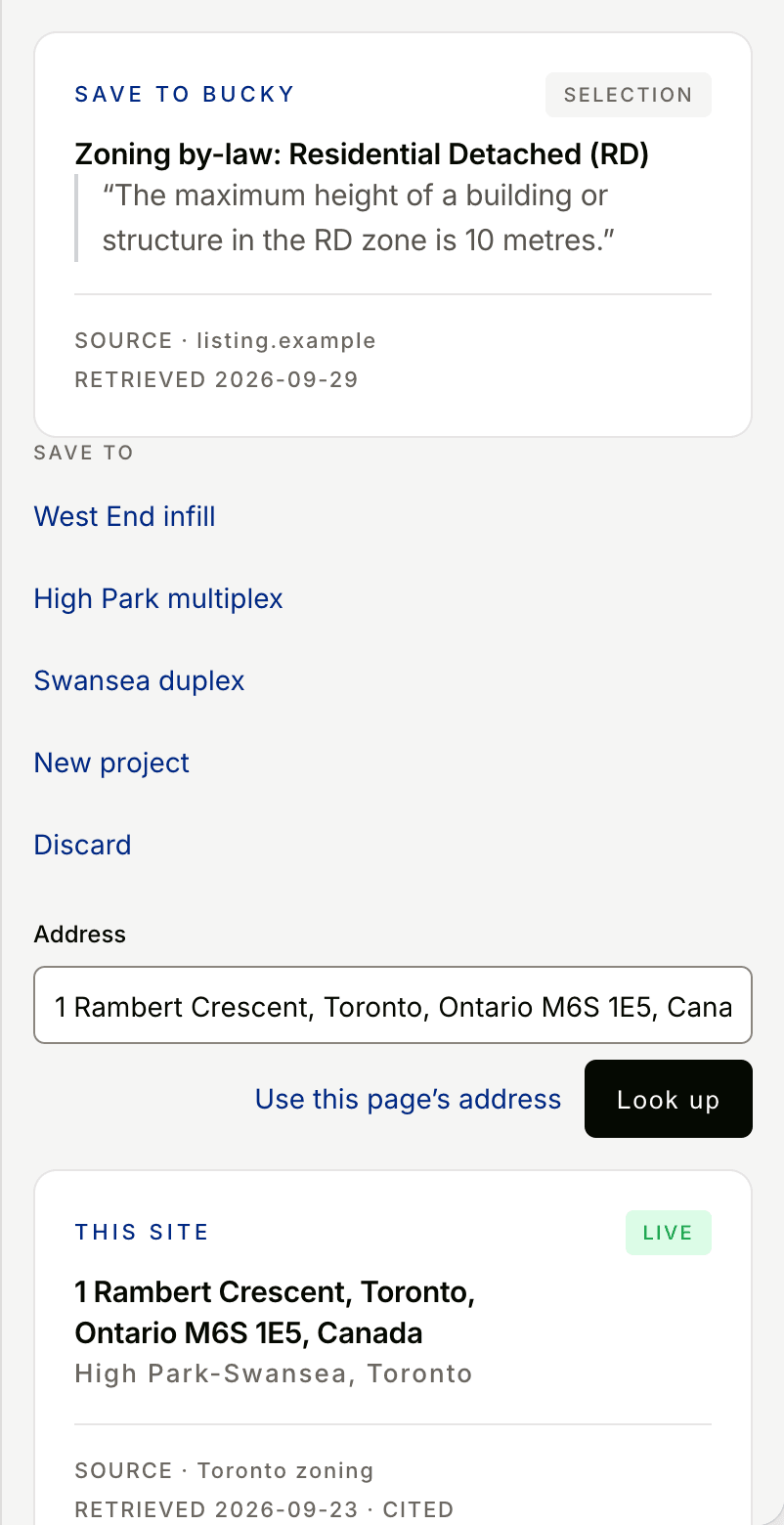
Drop the site into a project you already have, or start a new one. Bucky keeps the listing link, so you can get back to the page.
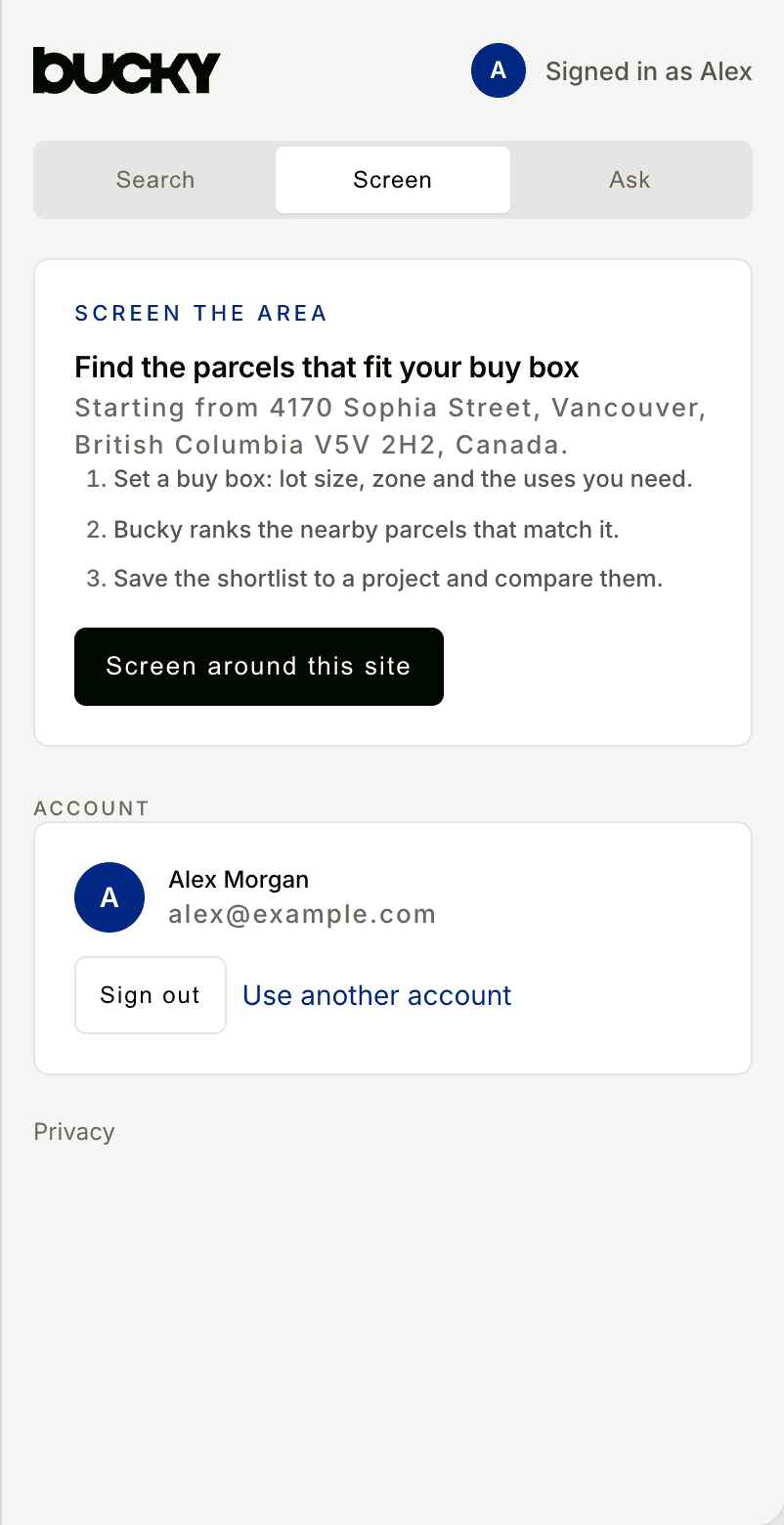
Screening and the full feasibility report live on the web. Open the site there to set what you're looking for, rank nearby parcels, and run the report.
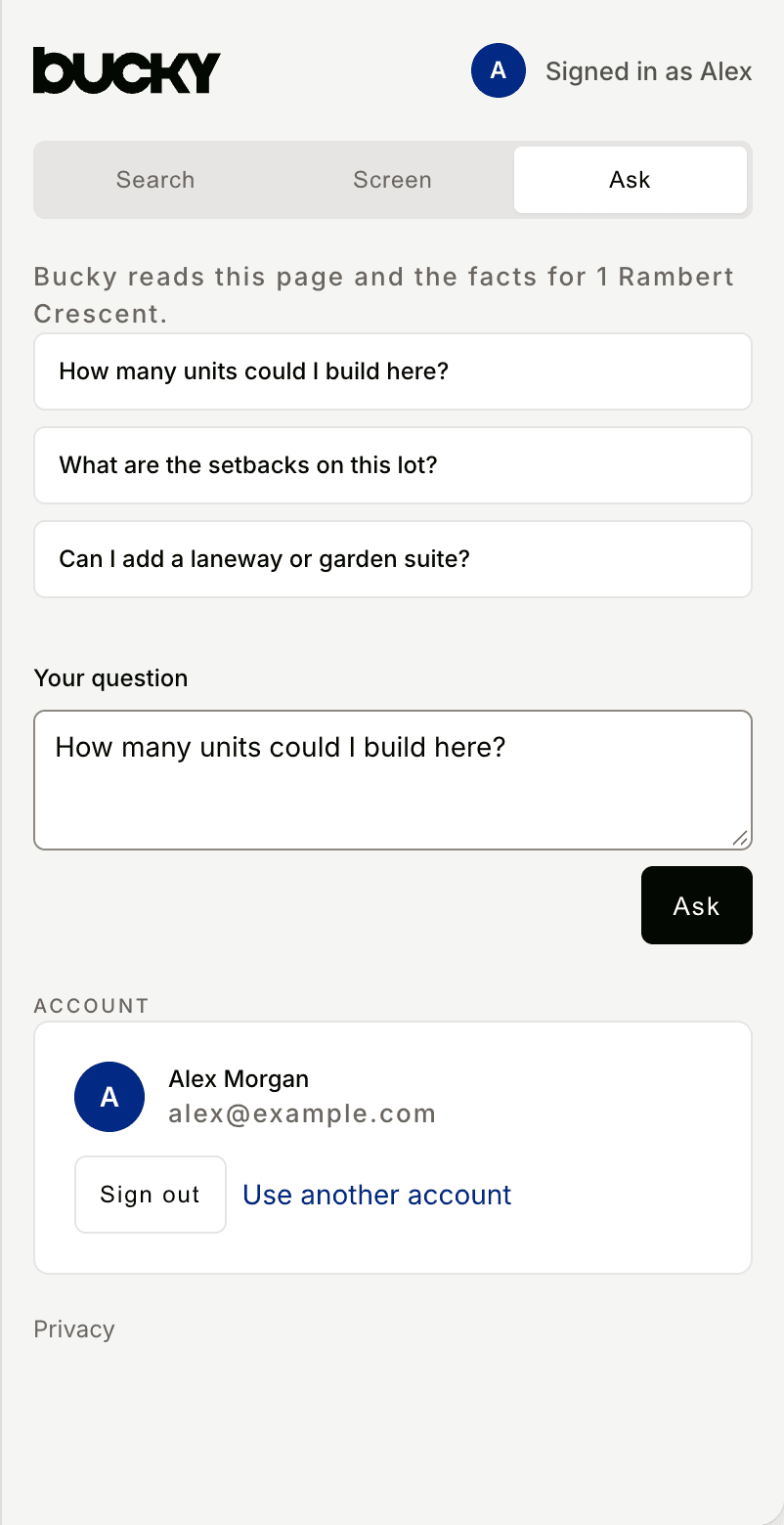
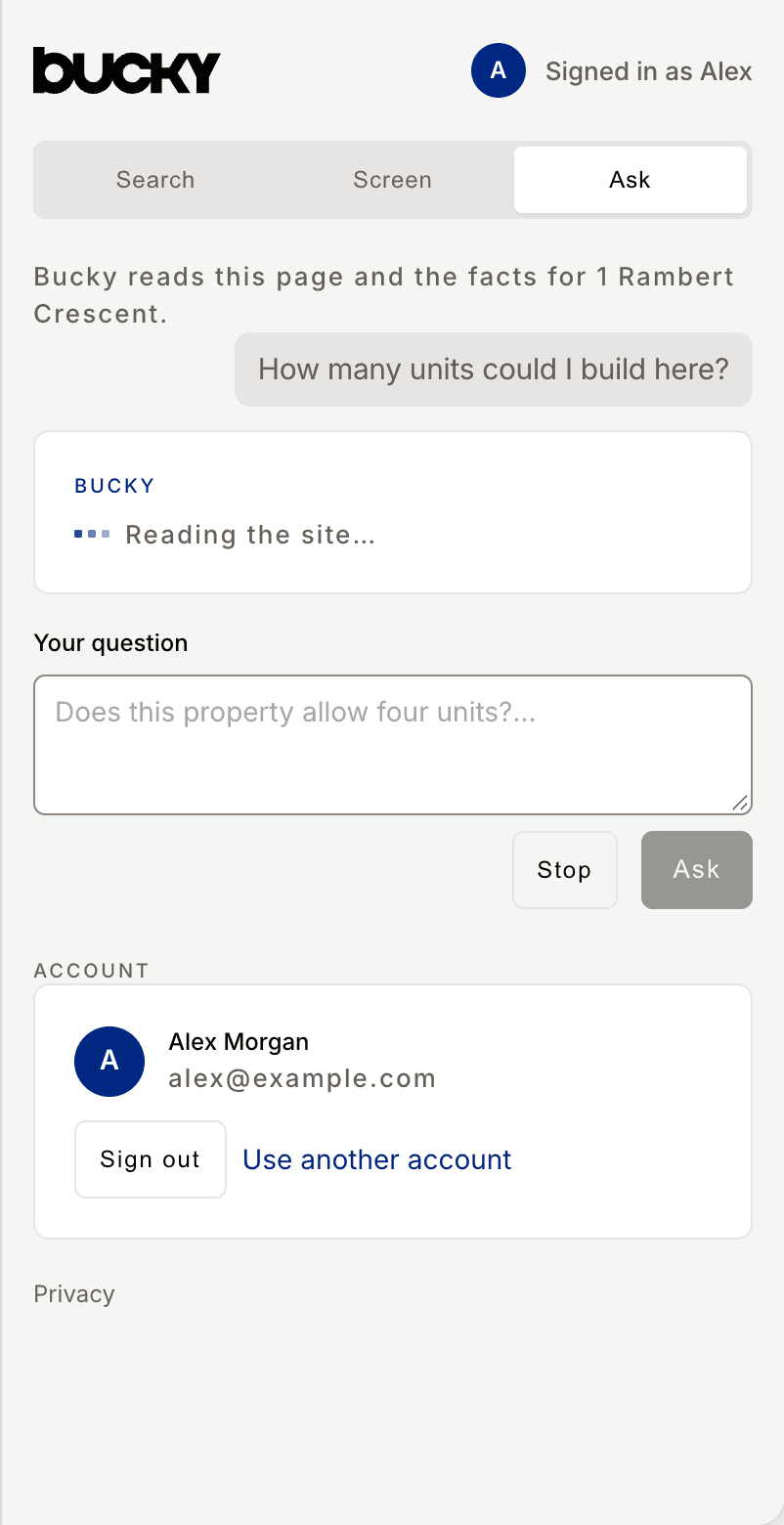
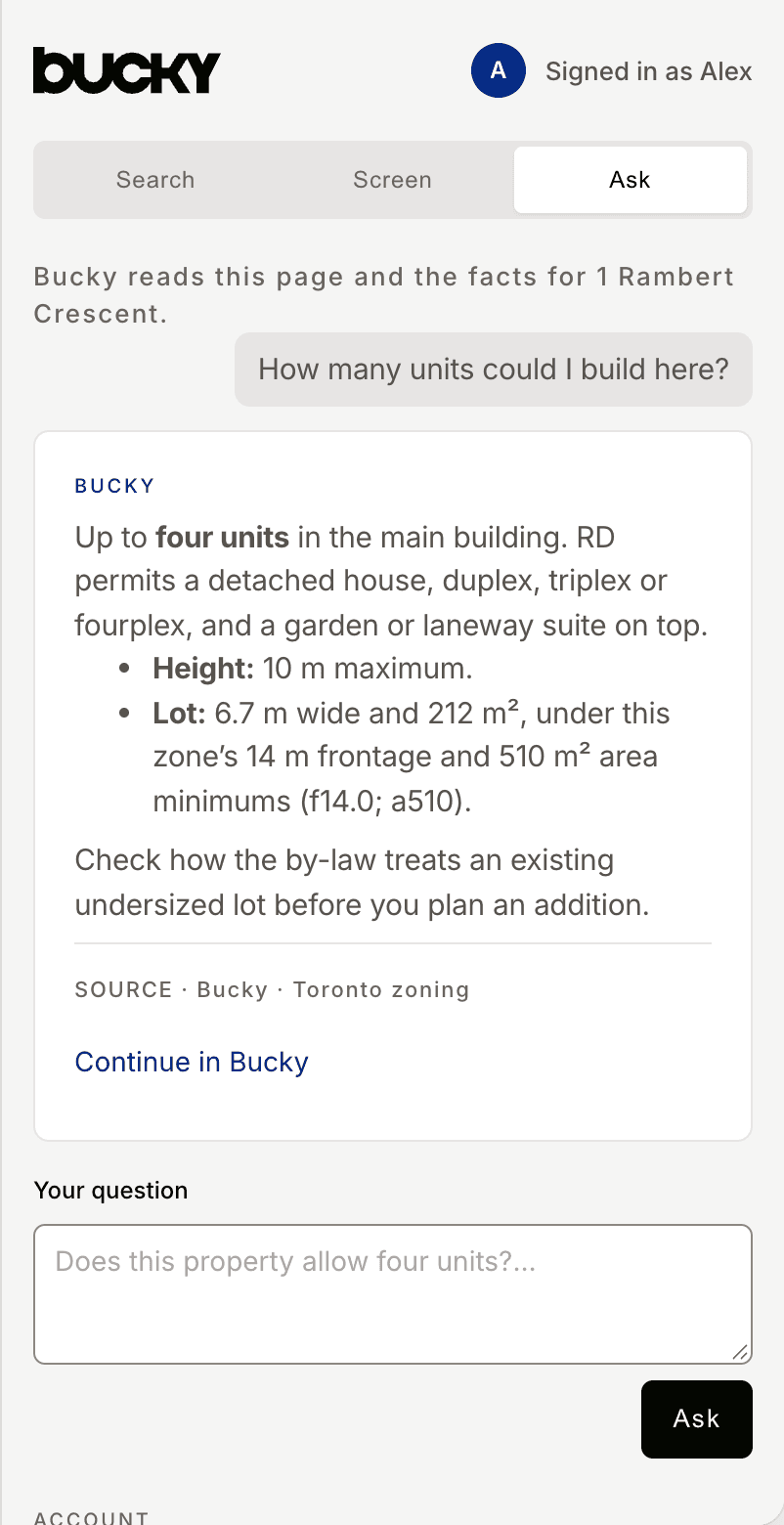
Ask about the lot you're looking at — setbacks, height, what the zone actually allows. The panel shows you the page text before anything is sent.
Highlight a line in a by-law or planning document and save it to a project as a source.
Bucky never runs in the background. Nothing happens until you ask.
Click the Bucky icon on the tab you're reading.
Press the shortcut to look up the address showing on the current tab.
Choose Look up this page in Bucky. You can also look up text you've selected, or save it straight to a project.
Bucky reads a tab only when you click the icon, press the shortcut, or pick a right-click option. It cannot see tabs you have not opened it on. When you ask a question, it sends at most 4,000 characters of page text, and shows you that text first.
Bucky never uploads listing photos, prices, agent names, or page HTML.
Sent only when you ask a question
Never uploaded
Two labels you'll see: In Bucky means that exact parcel is already in one of your projects. Nearby is a location match — the panel tells you how far.
No. You get a sourced snapshot without one — 20 lookups a day in this browser. Sign in when you want to save sites and ask questions.
When you look up a site, Bucky gets the address, plus coordinates if the page includes them. Your email is sent only if you sign in. The page title, URL, and text are sent only when you ask Bucky a question, and only the text the panel showed you. Highlighted text is sent only when you choose Save selection and pick a project.
Bucky still places the address and tells you the city isn't live yet. It won't fill the gap with a guess. We publish our coverage, gaps included.
The extension is free to install. Bucky Personal is $29 a month. Professional is $99 a month, with a 7-day trial and no card. You pay Bucky directly — nothing to buy in the Chrome Web Store.
Chrome 116 or newer. That's the first version that can open the side panel when you click the toolbar icon.
Every snapshot names its source and the date it was pulled. If a figure is a Bucky default rather than a citation, it says so. Add it to Chrome, then click the icon on a listing.